Skip to content
Mobile app

Download the Teskideh app

Available straight from here for Android, no Play Store needed.

Android

Version 1.0.0 · 14 August 2026

On a slow connection, Wi-Fi is advisable.

The file is an APK, so installation happens outside the Play Store. Android will most likely show a warning the first time: that is normal for any app distributed outside the Play Store, not a sign of trouble.

If in doubt, take the first one: it suits every phone sold since roughly 2016. If installation is refused, take the second.

How to install

  1. Download the file above from your phone.
  2. Open it once the download has finished.
  3. If Android shows "Install blocked" or something similar, tap Settings in the message, then turn on Allow from this source. This step is only ever done once.
  4. Go back and tap the file again to install.

The app as it stands today

These screenshots come from the version you can install on this page. Not one of them is a mock-up.
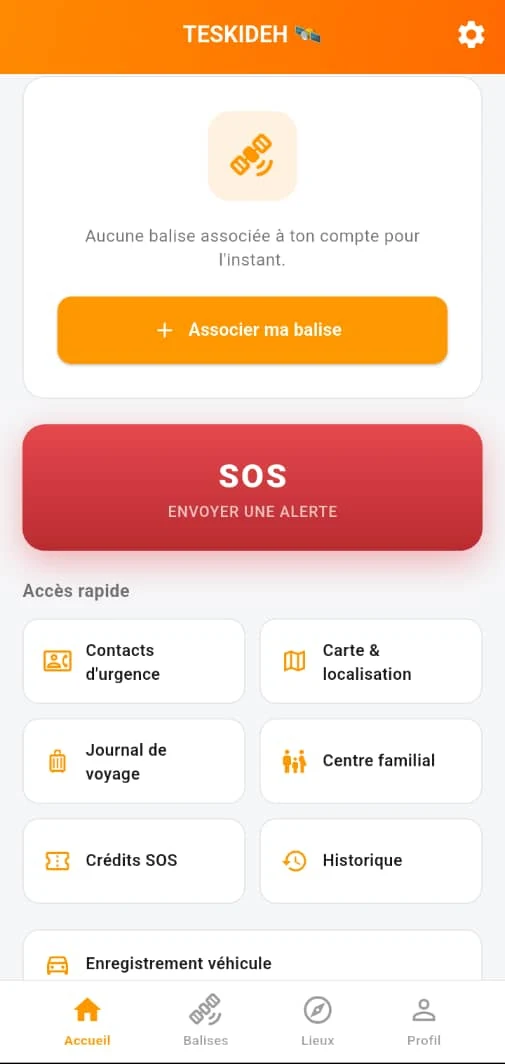
The app's home screen: red SOS button, quick links to emergency contacts, the map, the travel log and the family circle.
Home The SOS button stays one gesture away. The banner shows that no beacon is paired yet: the account works without hardware.
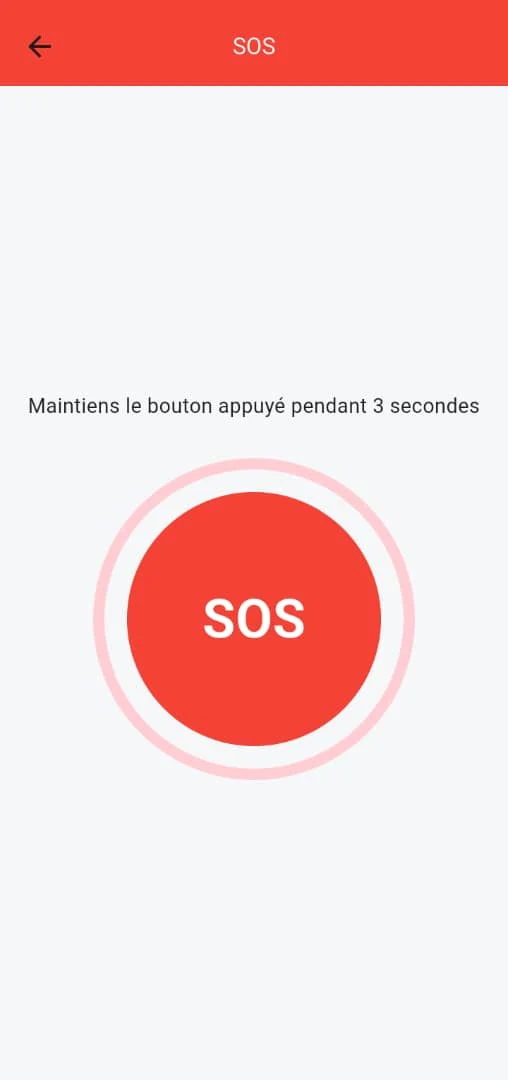
The app's SOS screen: a large round red button and an instruction to hold the press for three seconds.
Triggering The press must last three seconds. That delay rules out accidental triggering in a pocket or a bag.
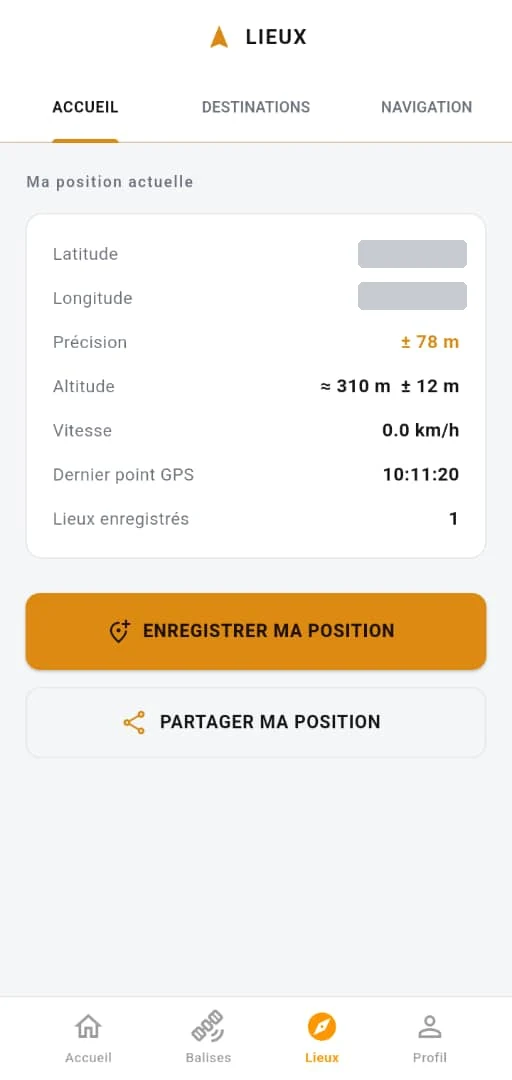
The app's Places screen: the coordinates are masked, followed by an accuracy of plus or minus seventy-eight metres, the altitude, the speed and the time of the last GPS fix.
Position and waypoints Reading taken in N'Djamena, offline. The accuracy shown is the one returned by the receiver, not a rounded figure. The coordinates are masked here: they are a real position.

This figure comes from the phone's own receiver, offline and with no network assistance. The beacon will carry a dedicated GNSS module with its own antenna: the 3 to 5 metre target applies to that module, not to a phone.
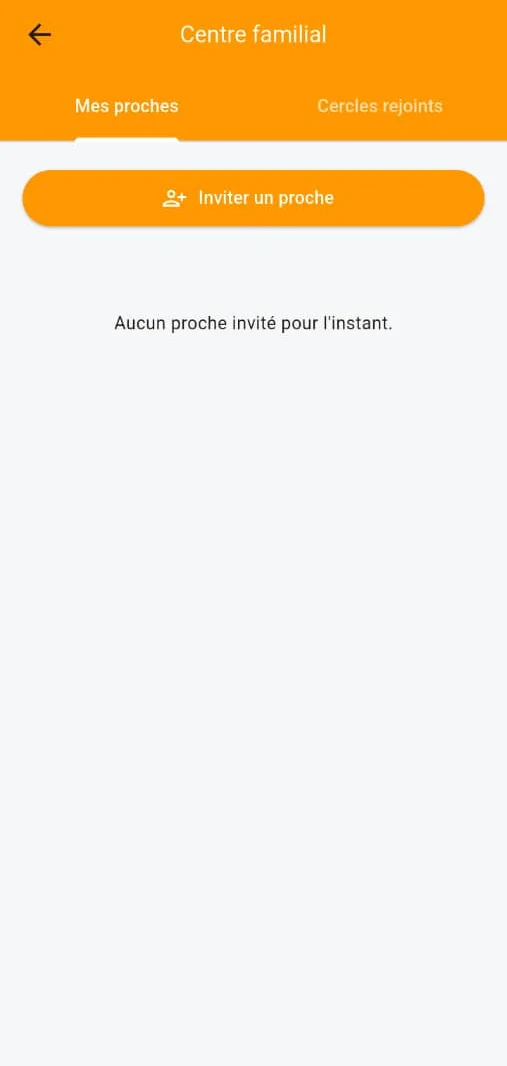
The app's Family circle screen: two tabs, My relatives and Circles joined, and a button to invite a relative.
Family circle A beacon holder can invite relatives to follow their alerts. The screen is empty here because the demonstration account has invited nobody.
Join the pilot program